Placed
POS / Kiosk / QR
#A22 · 2× Burger · T12
Products
Most platforms hand you a box of tools and leave the wiring to you. Sordiz is one operating layer - so here are the products the way your floor uses them: following one order.
Product Overview
The Sordiz Stack
POS
Kiosk
QR & Web
KDS
ODS
Admin
The same order, handed cleanly from product to product - no re-keying, no parallel systems.
Placed
#A22 · 2× Burger · T12
Sent to kitchen
#A22 · 2× Burger · T12
Ready
#A22 · 2× Burger · T12
Paid
#A22 · 2× Burger · T12
Recorded
#A22 · 2× Burger · T12
Step 1 - Order entry
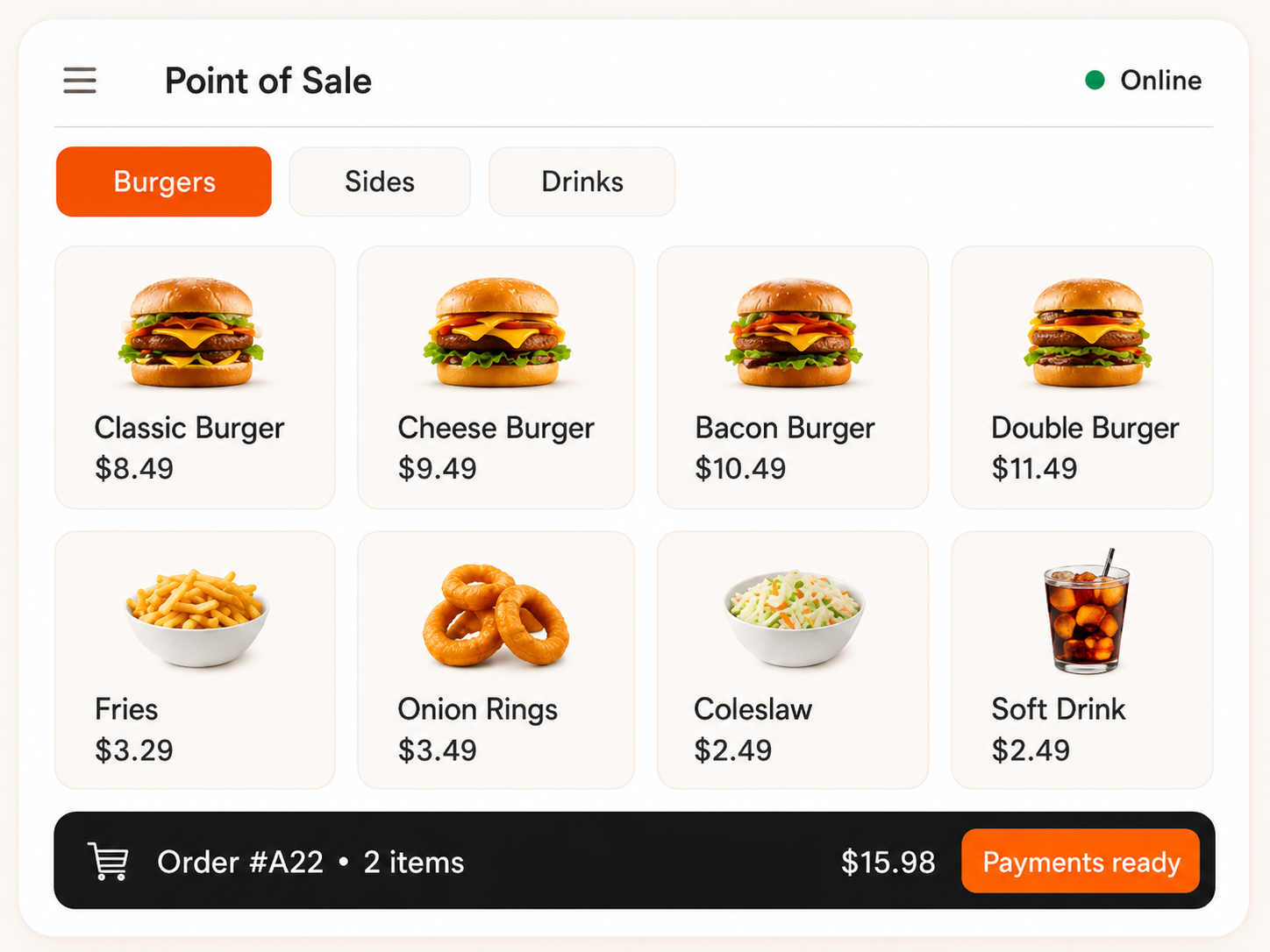
Primary
The counter command center - billing, order capture, menu, table management and payments in one screen built for peak-hour speed.
Every sale flows straight to the kitchen and the books - nothing re-keyed.
How it connects
Guests self-order the very same menu and flow as the counter.
-> Same POS #, same order number
Scan-to-order at the table or online; guests pay from the phone.
-> Joins the same order flow as in-store
Point of sale
Primary
The counter command center - billing, order capture, menu, table management and payments in one screen built for peak-hour speed.
Every sale flows straight to the kitchen and the books - nothing re-keyed.
How it connects
Guest self-order on the very same menu and flow as the counter.
-> same KDS rail, same order number as POS
Scan-to-order at the table or online; guests pay from the phone.
-> joins the same order flow as in-store
Step 2 - In the kitchen
Primary
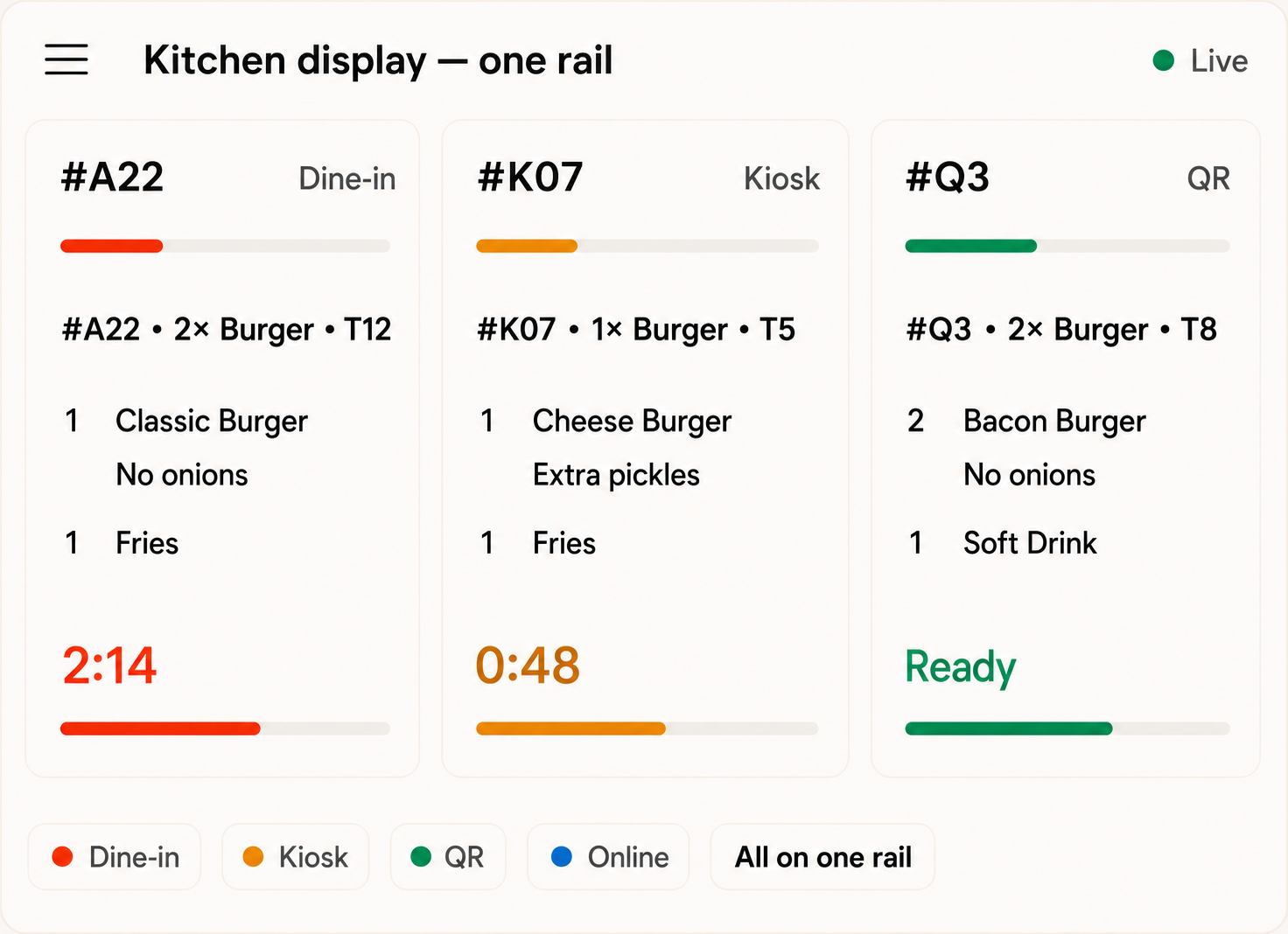
Every order, from every channel, on one routed and timed rail so the kitchen never loses the thread.
Dine-in, kiosk, QR and online all hit one rail - sorted and timed automatically.
How it connects
The guest-facing board that lights up the instant the kitchen bumps a ticket - no shouting order numbers across the floor.
- Peace-of-mind straight from KDS, plus order numbers from POS
Primary
Every order, from every channel, on one routed and timed rail so the kitchen never loses the thread.
Dine-in, kiosk, QR and online all hit one rail - sorted and timed automatically.
How it connects
Kitchen display — one rail
The guest-facing board that lights up the instant the kitchen bumps a ticket.
-> ready status straight from KDS, plus order numbers from POS
Step 3 - Back office
Primary
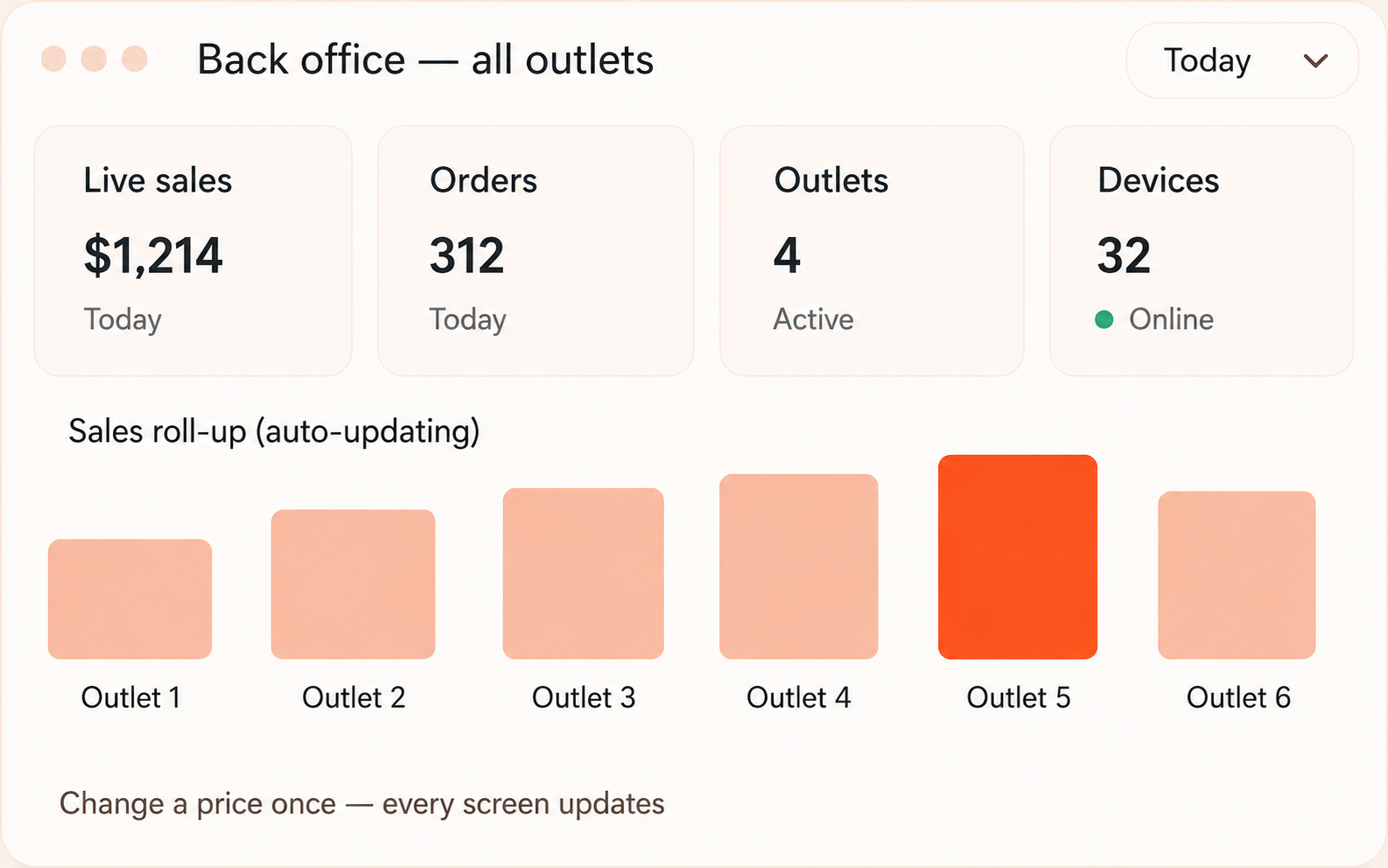
One control room for menu, pricing, taxes, staff, devices, multi-outlet setup and live reporting.
Change a price once; every screen updates in seconds. Read every outlet in one dashboard.
How it connects
Back office — all outlets
Live sales
Today
Orders
Shared
Outlets
Linked
Change a price once — every screen updates
Primary
One control room for menu, pricing, taxes, staff, devices, multi-outlet setup and live reporting.
Change a price once; every screen updates in seconds. Read every outlet in one dashboard.
How it connects
The connective layer underneath - the part competitors bolt on, and we built in.
One change, every screen, instantly.
Keeps selling and cooking when the line drops; auto-syncs back.
One menu, one order, one number - nothing to reconcile.
Outlet control, head-office visibility, per-role access.
See the stack on your floor
A 15-minute walkthrough mapped to your menu and service model.